Monday.com Automation Expert
Monday.com automations, integrations, and migrations
Monday.com is only as useful as the data on its boards. I build the automations that keep that data true: client and internal boards that stay in sync both ways, project boards that reflect real task status, meeting action items that land on the right board already assigned, and migrations that bring years of history across intact. Built on the Monday.com GraphQL API and webhooks, beyond what native recipes can do.
Who this is for
- Agencies running client-facing and internal boards side by side
- PMOs that need portfolio boards to reflect task boards without manual updates
- Teams moving from Trello (or another tool) to Monday.com
- Leaders who want meeting decisions to turn into tracked, owned tasks
Problems I solve
- Client and internal boards drift apart and someone reconciles them by hand
- Native automation recipes and integration limits cannot express your process
- Renames and deletions on one board leave orphaned items on another
- A migration that looks like weeks of copying boards, comments, and files
What you get
What I build
Two-way board sync
Webhook-driven sync of items, statuses, renames, and deletions across linked boards, with configurable mappings.
Portfolio roll-ups
Scheduled syncs that keep project and portfolio boards aligned with the task boards beneath them.
Integrations
Connect Monday.com to your CRM, Slack, Gmail, Notion, or internal systems through the GraphQL API.
AI action items
Meeting transcripts turned into owner-assigned items on the right board automatically.
Migrations
Trello to Monday.com migrations with comments, attachments, member matching, and a full audit log.
Alerting
Failures reported to Slack in real time so nothing drifts silently.
Proof of work
Systems I've shipped
Real projects running in production, with the problem, the build, and the outcome.
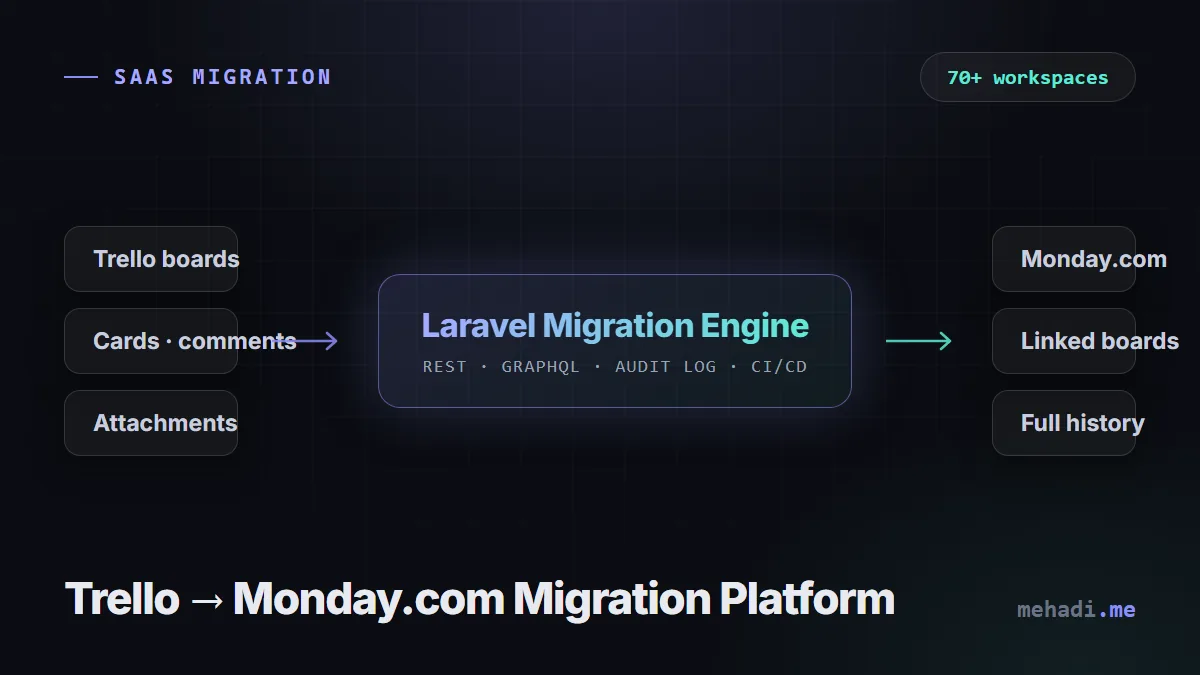
Software · SaaS Migration
Trello → Monday.com Migration Platform
A Laravel platform that migrated 70+ client workspaces from Trello to Monday.com, boards, comments, attachments and all.
- 70+ client workspaces migrated successfully
- Weeks of manual recreation replaced by monitored, auditable jobs
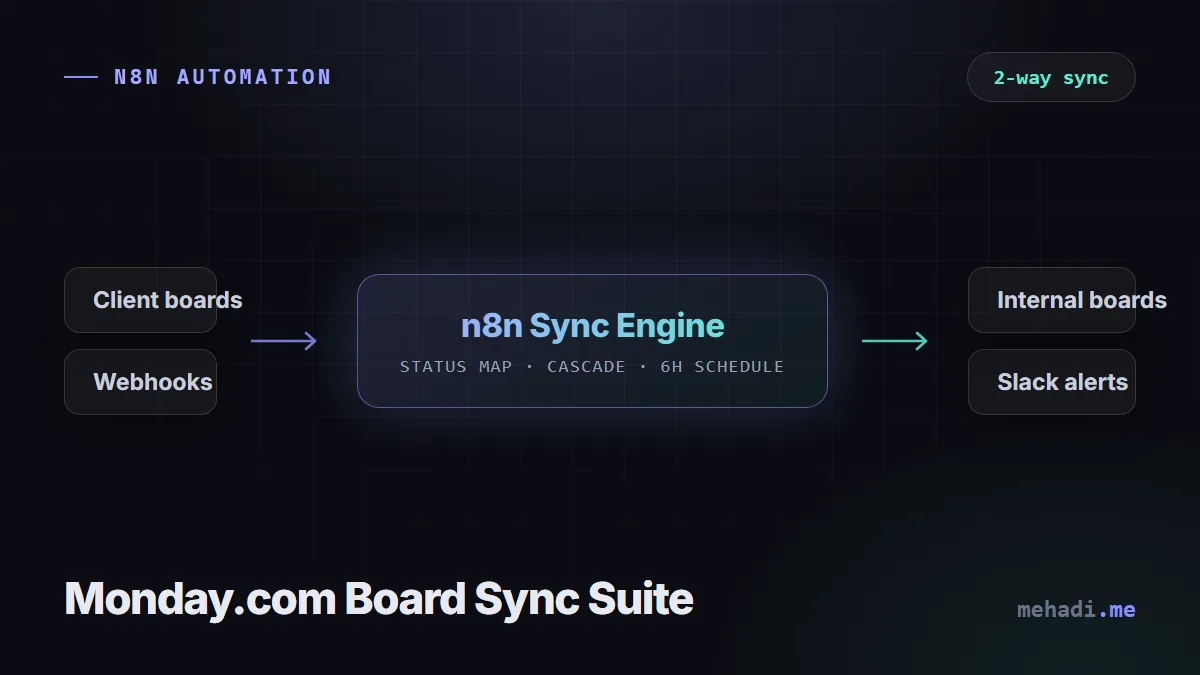
Automation · n8n
Monday.com Board Sync Suite
Webhook-driven n8n automations keeping client-facing, internal, project, and task boards in perfect sync.
- Cross-board data consistency without manual reconciliation
- Project health tracking reflects reality, on schedule
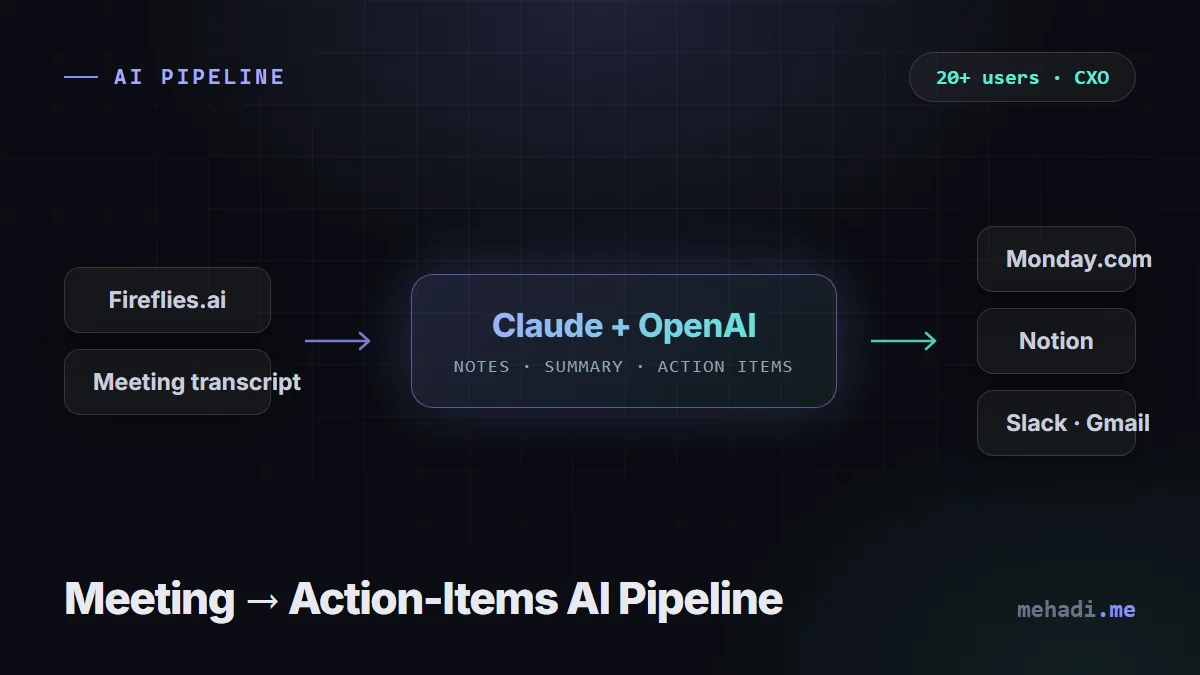
AI · Workflow Orchestration
Meeting → Action-Items AI Pipeline
Transcripts become notes, summaries, and owner-assigned action items on the right task board, automatically.
- Rolled out to 20+ internal users across teams and CXOs
- Post-meeting admin and duplicate data entry sharply reduced
How it works
From first call to running system
-
01
Free 30-min audit
You walk me through the manual process. I tell you honestly whether automation makes sense and roughly what it involves.
-
02
Fixed-scope proposal
If it is a fit, you get a written scope, timeline, and price before any work starts. No obligation.
-
03
Build and test
I build with error handling, retries, and alerting from day one, and test against your real data and edge cases.
-
04
Handover and support
You get documentation and a walkthrough, plus optional maintenance for when sites, APIs, or credentials change.
Good to know
Questions about Monday.com Automation & Migration
Why not just use Monday.com's built-in automations?
Use them when they fit; they are free and simple. Custom automation earns its place when you need logic across several boards, two-way syncs, cascading changes, external systems, or volume beyond what recipes and action quotas comfortably handle.
Can you migrate us from Trello to Monday.com?
Yes. I built a migration platform that moved 70+ client workspaces from Trello to Monday.com, including descriptions, comments, attachments, status mapping, and member matching, with job history and audit logs.
Why not use the built-in Trello importer?
For a small board it may be enough. Check what it carries over before relying on it: teams often need comments, attachments, member assignments, custom status mapping, and links between client and internal boards preserved, and that is where a scripted migration earns its cost.
Will the automation keep working when we change our boards?
Mappings for statuses, columns, and groups are configurable rather than hard-coded, and failures alert immediately, so board changes are a configuration update rather than a rebuild.
Tell me what's eating your team's hours
Describe the manual process and the tools involved. I'll reply within 24 hours with an honest take on whether automation can fix it, what it would involve, and what it would cost.